Our phone-buying team works from a counter inside Cash Generator on Church Street — every device is graded face-to-face, with the offer broken down before you decide.
Visit PhonesForCash in St Helens
PhonesForCash operates from inside Cash Generator at 41 Church Street in St Helens town centre. Walk-ins are welcome and no appointment is needed — payment is by cash or bank transfer once you accept an offer.
PhonesForCash at Cash Generator St Helens
41 Church Street, St Helens, WA10 1AX
- Opening Hours: Mon–Sat 9:30am–5:30pm · Sun 10:00am–4:00pm
- Phone: 01744 775978
- Email: sthelens@cashgenerator.co.uk
- Finding us
- Look for the Cash Generator storefront on Church Street. PhonesForCash operates inside.
- Getting here
- Approximately two minutes' walk from St Helens Bus Station and around eight minutes' walk from St Helens Central.
- Parking
- Convenient town-centre parking is available at Tontine Multi-Storey Car Park, with additional public parking around Chalon Way and the Hardshaw Centre. Parking availability and charges may change, so check local signage before leaving your vehicle.
Inside Our St Helens Store
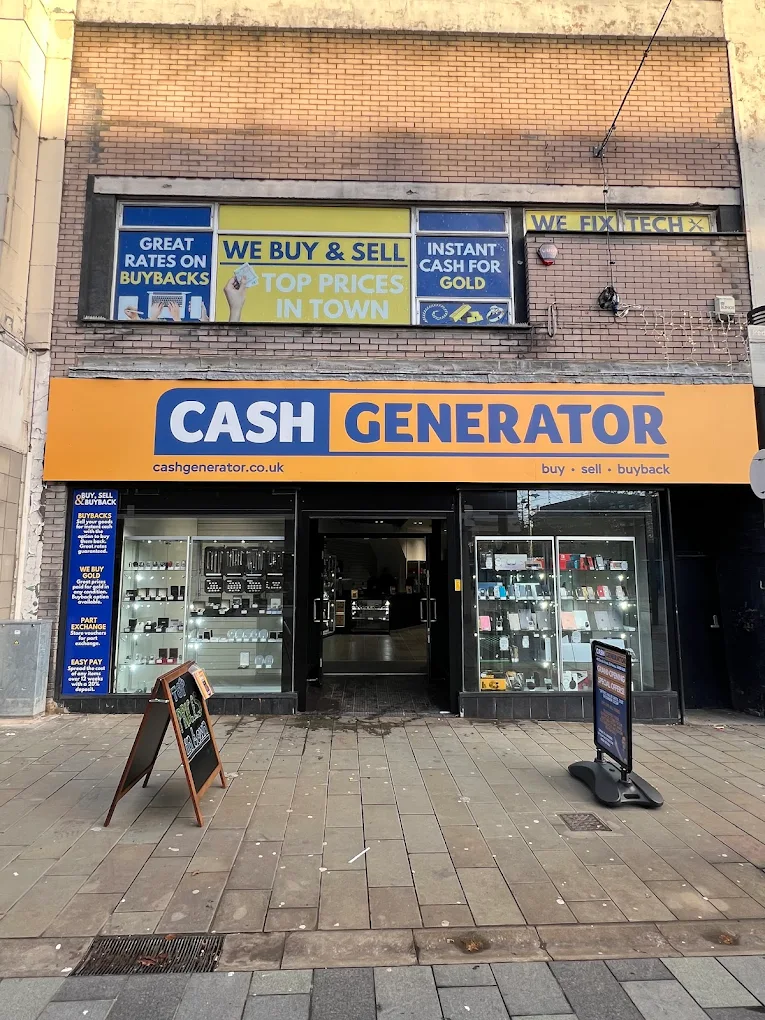
Our Store Exterior
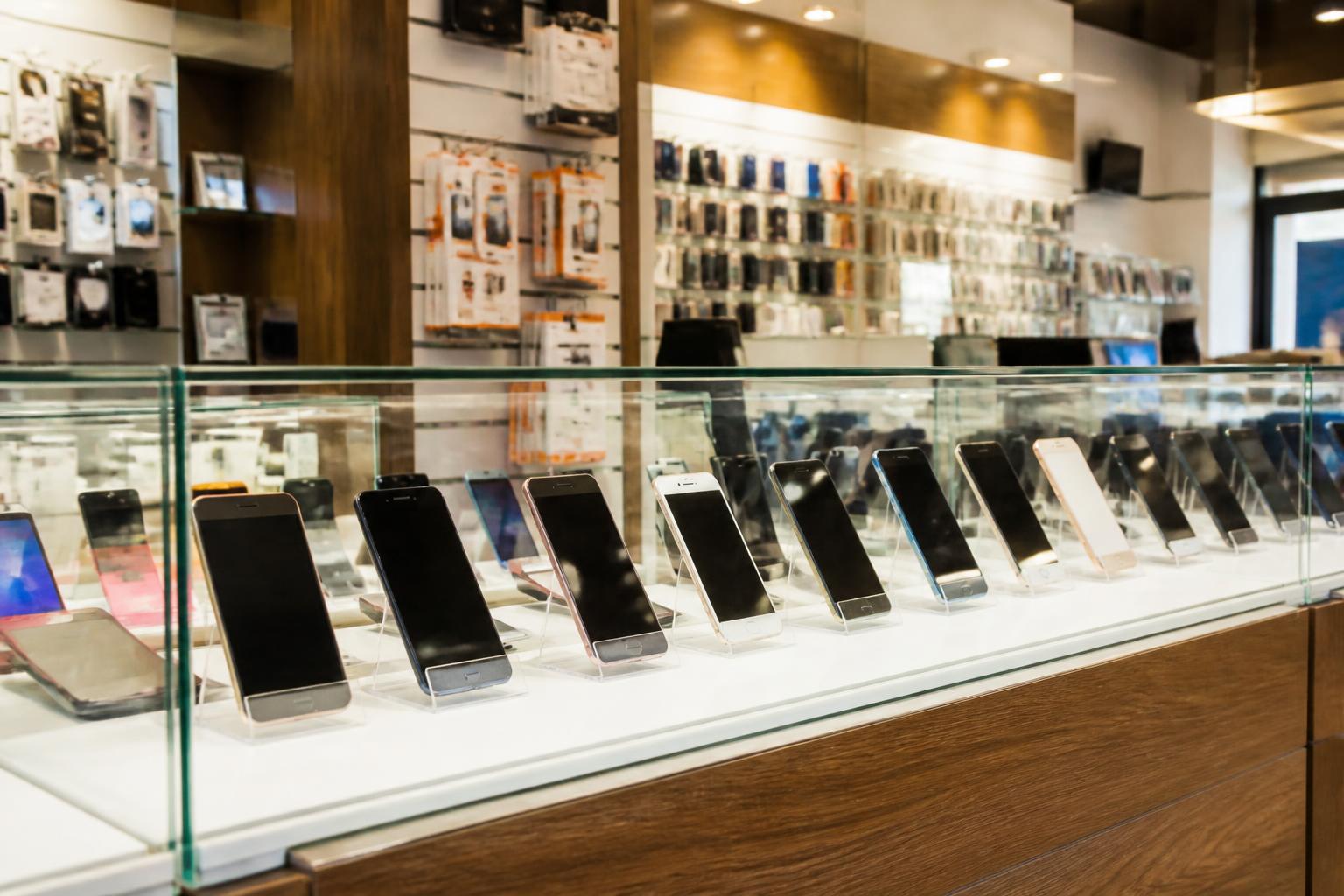
Phone Buying Counter
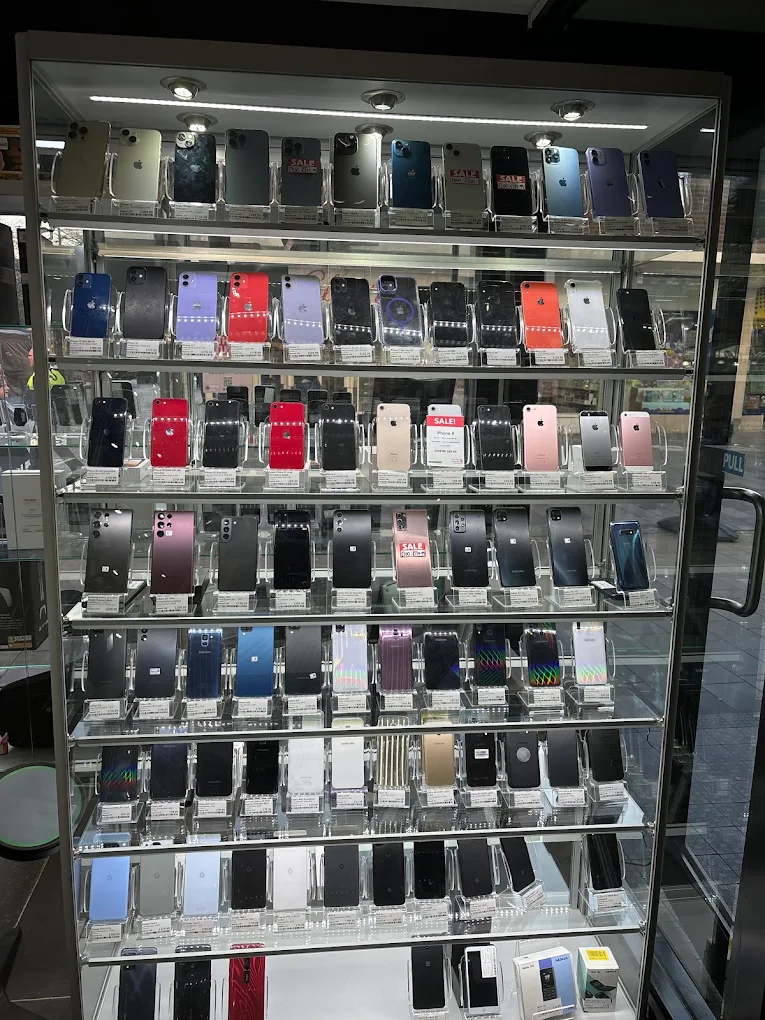
Product Displays
Network locked
A network-locked iPhone is tied to a UK carrier (EE, O2, Vodafone, Three, Tesco Mobile, etc.) and only accepts SIMs from that network. These are still buyable — the offer is slightly lower than an unlocked equivalent but the device is otherwise normal.
Screen / passcode lock
A device with only a screen passcode may be considered where you can demonstrate legitimate ownership, unlock the device so it can be properly inspected and tested, and complete the official reset and Apple Account removal. Staff will not request, retain or attempt to bypass the customer's passcode.
Apple Account / Activation Lock still active
The device cannot normally be purchased until the iPhone has been removed from the owner's Apple Account and Activation Lock has been turned off. Apple Activation Lock is designed to prevent an erased, lost or stolen iPhone from being reused without the owner's permission — but it can be removed through official, owner-authorised methods. The legitimate owner can sign in to iCloud.com, select the device and remove it, sign out of the Apple Account on the device before a factory reset, or contact Apple with acceptable proof of purchase where official support is available.
PhonesForCash does not provide or recommend unauthorised account-lock bypass services. We can guide the verified owner through the official account-removal steps; customers enter their own passwords and verification codes, and lost or stolen devices will not be purchased.
Finance blocked
Phones still on an active finance agreement (Apple Financial Services, EE Flex Pay, O2 Refresh, V12, etc.) cannot be bought until the finance is settled and the contract closed. The lender's blacklist will flag the device on a CheckMEND check.