Our phone-buying team works from a counter inside Cash Generator on Church Street — every device is graded face-to-face, with the offer broken down before you decide.
Visit PhonesForCash in St Helens
PhonesForCash operates from inside Cash Generator at 41 Church Street in St Helens town centre. Walk-ins are welcome and no appointment is needed — payment is by cash or bank transfer once you accept an offer.
PhonesForCash at Cash Generator St Helens
41 Church Street, St Helens, WA10 1AX
- Opening Hours: Mon–Sat 9:30am–5:30pm · Sun 10:00am–4:00pm
- Phone: 01744 775978
- Email: sthelens@cashgenerator.co.uk
- Finding us
- Look for the Cash Generator storefront on Church Street. PhonesForCash operates inside.
- Getting here
- Approximately two minutes' walk from St Helens Bus Station and around eight minutes' walk from St Helens Central.
- Parking
- Convenient town-centre parking is available at Tontine Multi-Storey Car Park, with additional public parking around Chalon Way and the Hardshaw Centre. Parking availability and charges may change, so check local signage before leaving your vehicle.
Inside Our St Helens Store
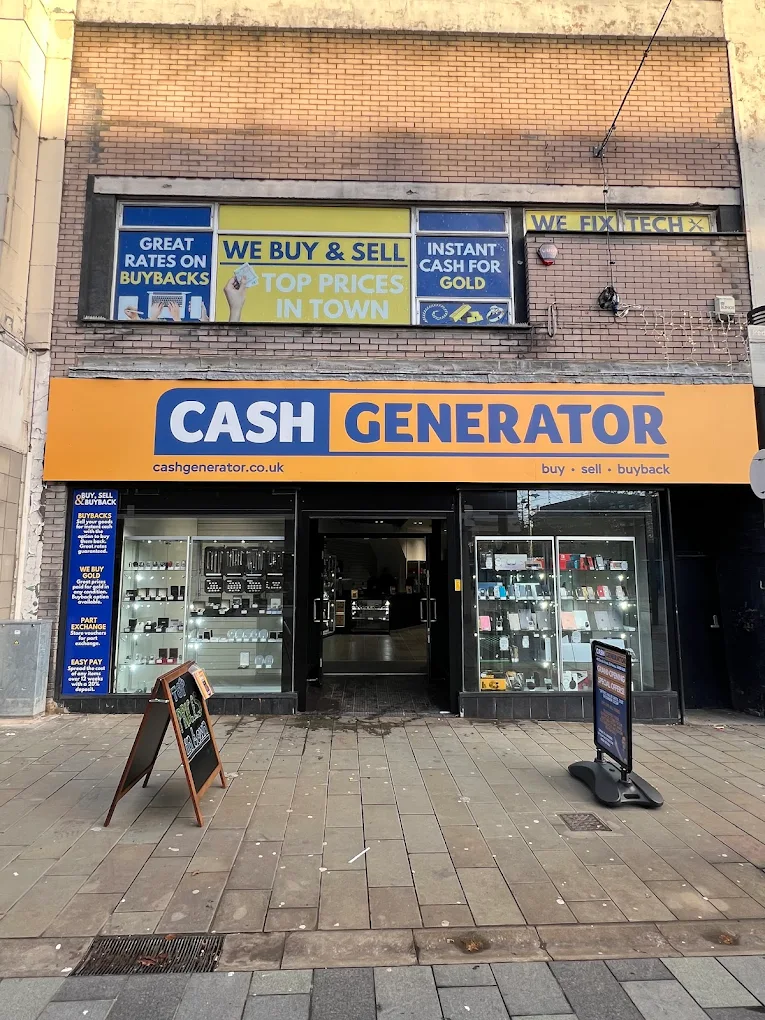
Our Store Exterior
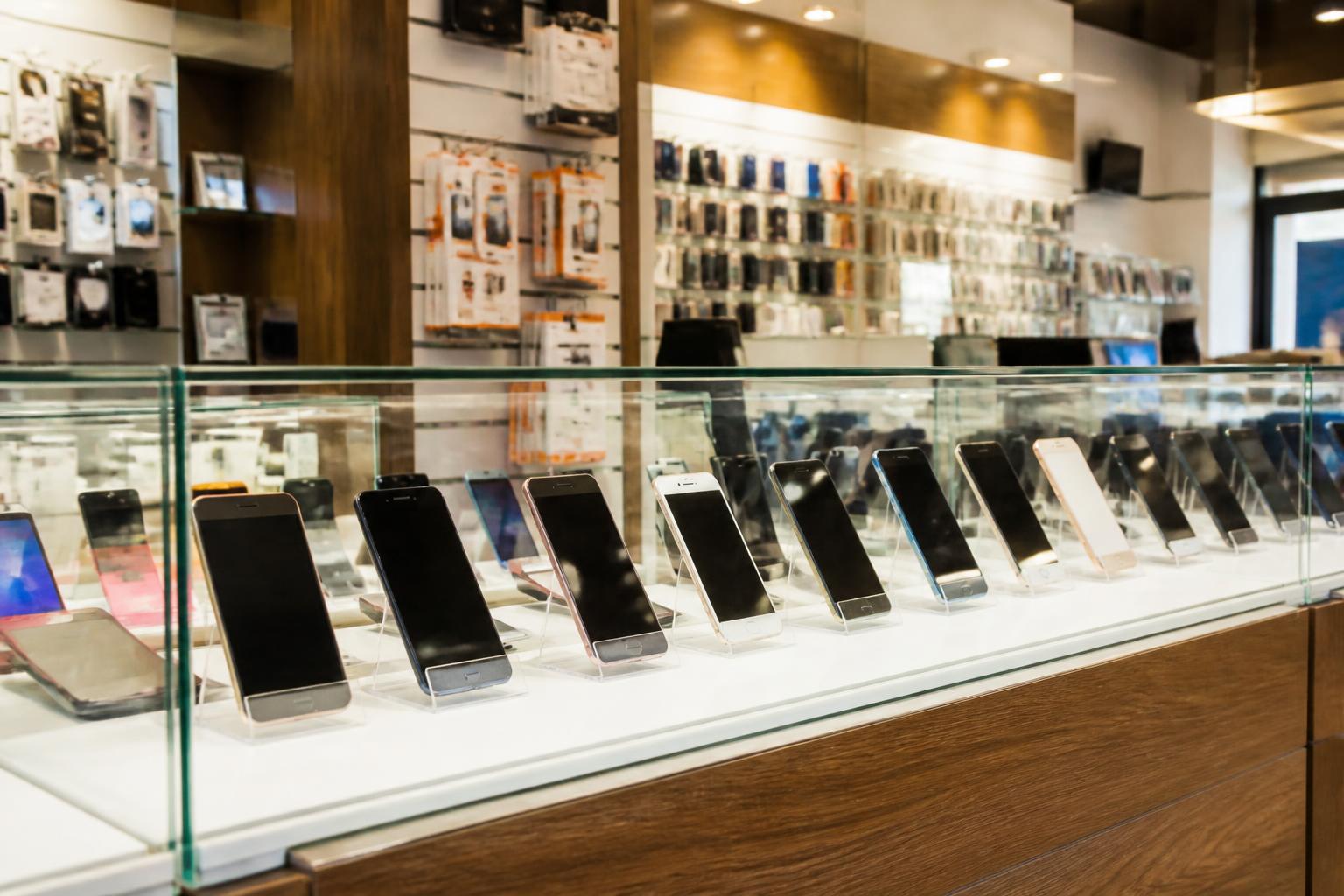
Phone Buying Counter
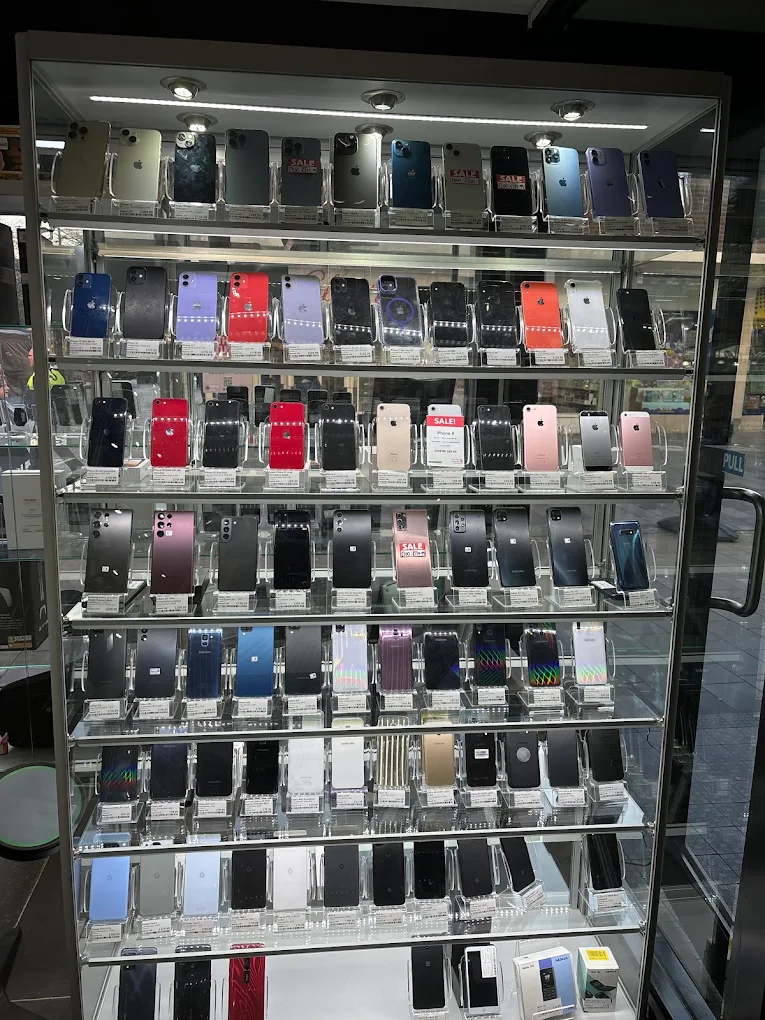
Product Displays
Network lock
Tied to a UK carrier (EE, O2, Vodafone, Three, Tesco Mobile, Sky, etc.). The phone only accepts SIMs from that network. These are still buyable — the offer is slightly lower than an unlocked equivalent, and UK carriers are required to unlock for free on request.
Screen / passcode lock
A device with only a screen passcode may be considered where the seller can demonstrate legitimate ownership, unlock the device so it can be properly inspected and tested, and complete the official reset and account-removal process. PhonesForCash staff will not request, retain or attempt to bypass the customer's passcode.
Finance lock
Phones still on an active finance agreement (Apple Financial Services, EE Flex Pay, O2 Refresh, V12, Klarna, Pay Monthly, etc.) cannot be sold to us. The lender's database flags the IMEI and the phone may be remotely disabled if the contract goes into arrears. Settle the finance and close the contract first.
Apple Account / Activation Lock (iPhone)
Apple Activation Lock is designed to prevent an erased, lost or stolen iPhone from being reused without the owner's permission, but it can be removed through official, owner-authorised methods. The legitimate owner can sign in to iCloud.com, select the device and remove it from their Apple Account, or sign out of the Apple Account on the device before a factory reset. The device cannot normally be purchased until the iPhone has been removed from the owner's Apple Account and Activation Lock has been turned off.
Google Factory Reset Protection (Android)
Google FRP ties an Android device to the Google account signed in at the time of the last factory reset, so the device cannot complete setup without official FRP verification. The legitimate owner removes it by signing in with the previous Google account, removing the account on the device before resetting, or removing the device through their Google account online. The device cannot normally be purchased until the Google account has been removed or official FRP verification has been completed.
Lost / stolen flag
Important: devices reported lost or stolen on CheckMEND or marked permanently locked to an account will not be purchased. We run an IMEI check on every device that comes to the counter — it protects everyone involved.
Locked phone FAQs
Related selling pages
Locked iPhones →
iPhone-specific guidance.
Locked phones — explained →
Network locks vs account locks across all brands.
Broken phones →
Damaged devices.
Sell iPhone in St Helens →
iPhone-specific advice and pricing.
Sell Samsung in St Helens →
Samsung Galaxy advice and pricing.
Sell my phone →
Search any model for a quote.
PhonesForCash homepage →
Everything we accept.